CMOS / CCD Sensor Cleaner Cleaning Kit for DSLR SLR Digital Camera (Random Color)
$0.99
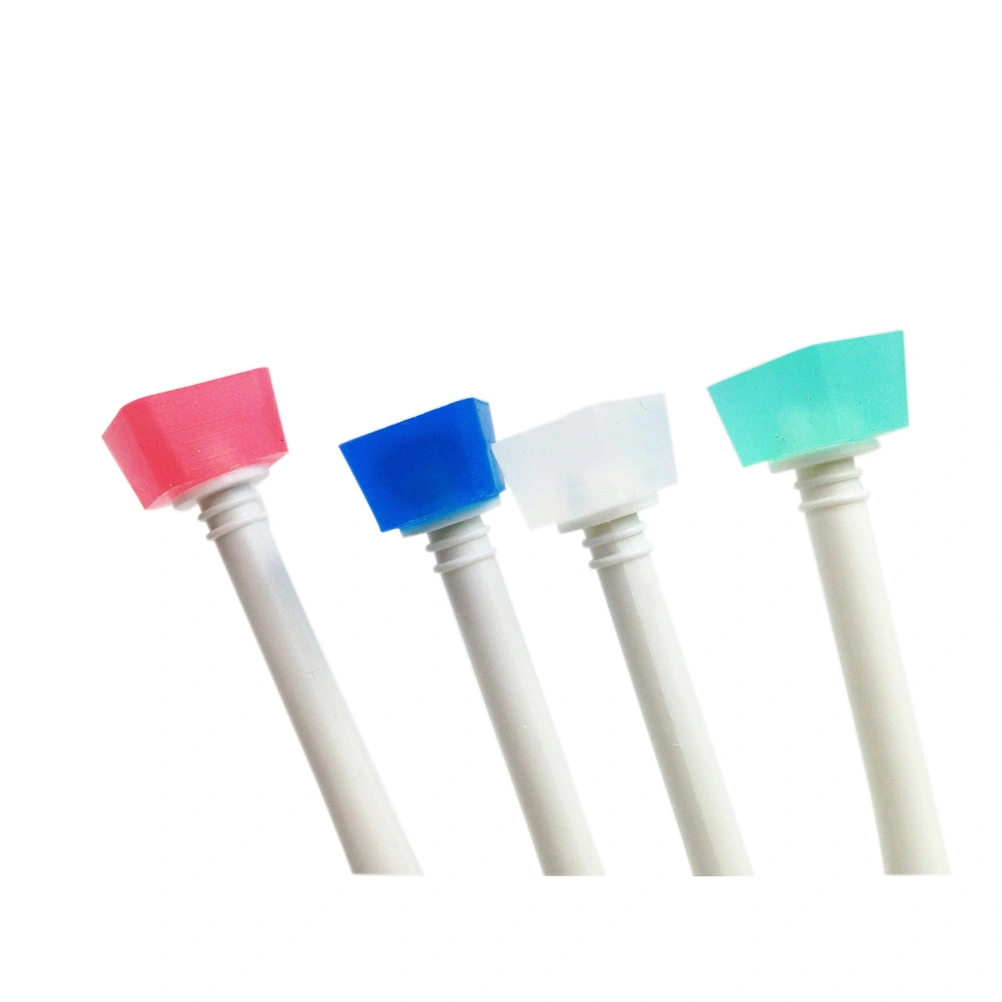
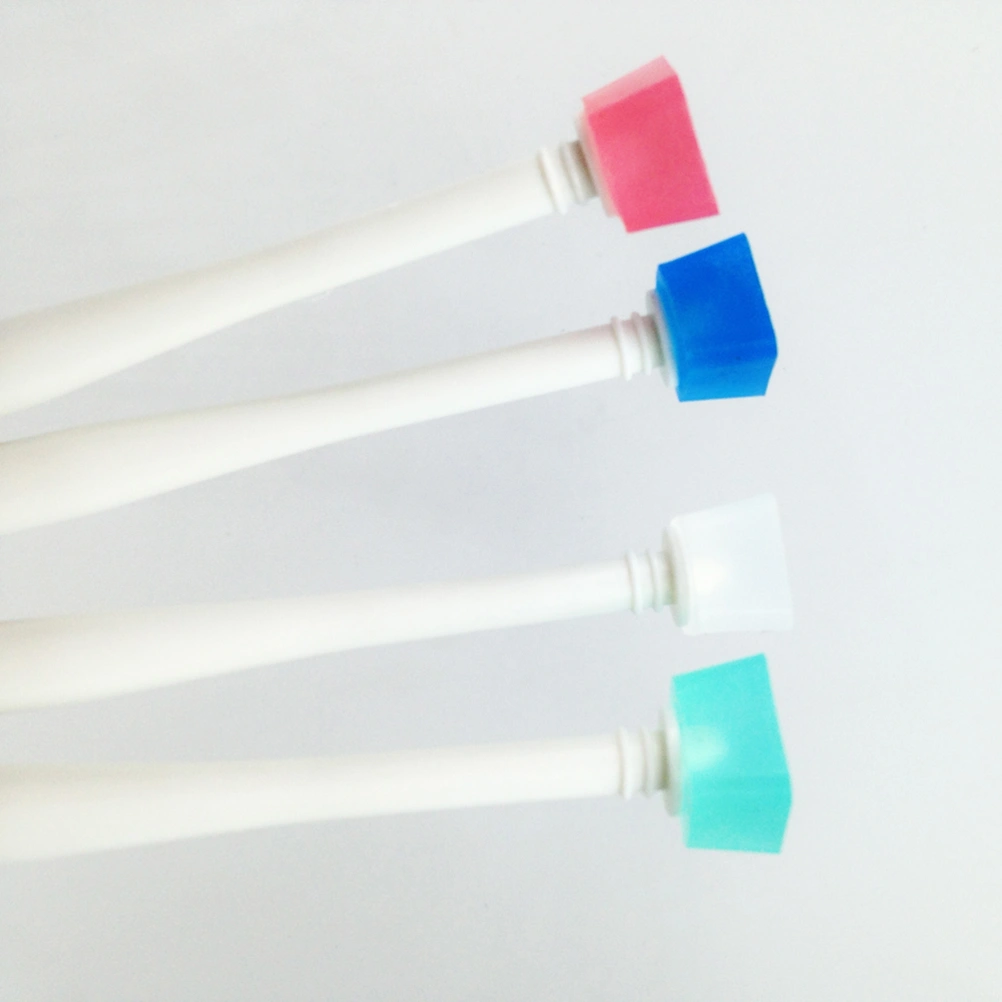
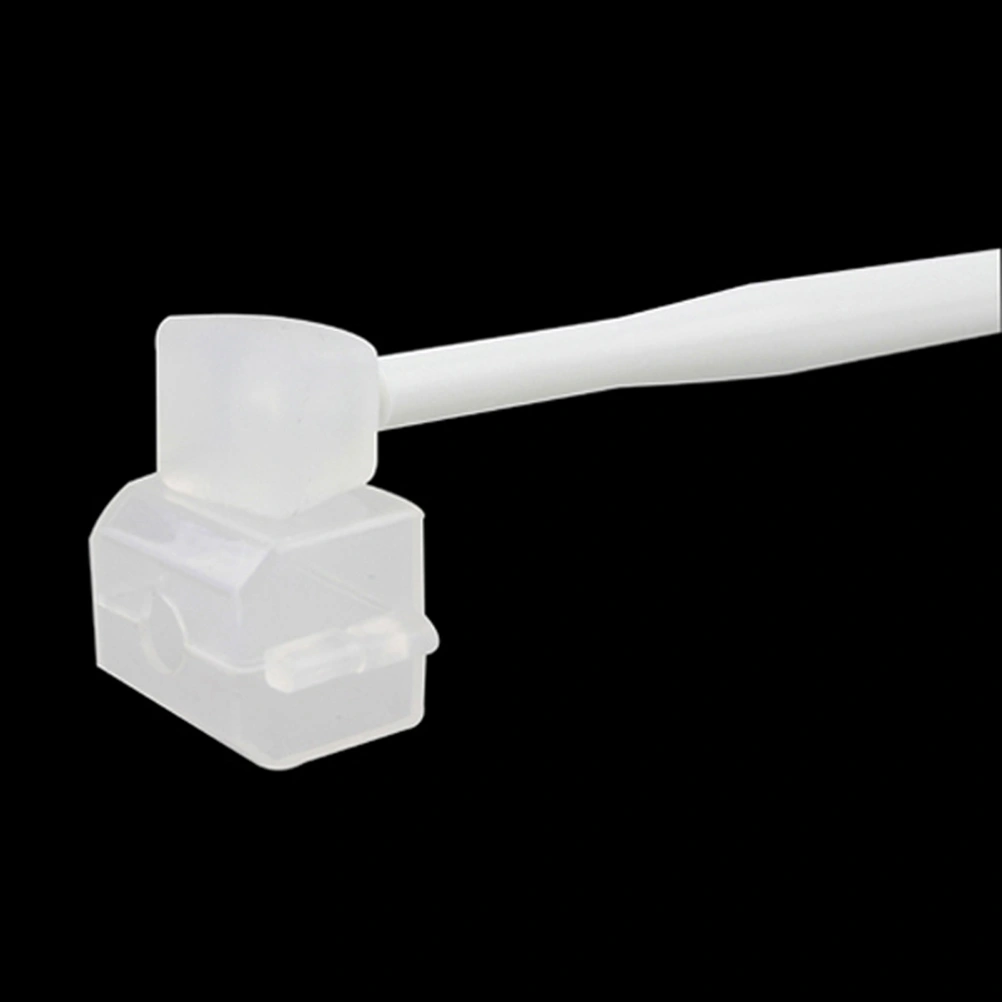
DescriptionCCD / CMOS cleaner mat is made of a special synthetic latex, and it has certain viscosity, can remove the dust without scratching the CCD/CMOS sensor. The dust sticker with the cleaner is used for cleaning the mat, it can remove the dust on the cleaner mat, so the cleaner can be used repeatedly.Features- Color: Random color. - Material: Plastic+Synthetic latex - Dimensions: 155 x 20 x 16 mm - Compatible brand: Universal. - Compatible Models: Camera CMOS/CCD Sensor or Glass or LED/LCD/TFT Screen. - Other: can be used repeatedly.How to use1. Select Options in bright indoor environment free of dust. 2. Set the camera aperture f/22, take a few photos in front of a white paper first, and remember the location of the stain. 3. Blowing dust with the air-blowing first ,then remove the lens. 4. Make sure the camera reflector in the raised position before cleaning. 5. Open the cleaner case and make sure the the cleaner is free of dust and grease. 6.use the rubber rods inserted into the camera , repeat the following steps: (1) Tap the handle bars , so make the cleaner with CCD / CMOS surface dust position. (2) Vertical lift sticky stick , so the rubber head away from the sensor surface. (3) With a clean paper dust stick to take the rubber head surface dust , then dust with plastic head glued to take part in the dust sticky paper light pressure to the surface , but it should be noted : a stain you want to clean up after each glue head pressure on the paper in the dust , the pressure over the place do not reuse ( remember not without repeated cleaning dust sticky paper pressure sensor surface ) , do not use excessive force when pressing stick , otherwise the dust will be firmly pressed by the dust in on the surface of the low-pass filter is difficult to remove , the sensor might be more severe low-pass filter coating the entire piece from adhesions , or crushed causing the sensor CCD / CMOS damaged. 7. Where it is recommended to clean up tainted , without the whole piece CCD / CMOS is cleared ( stain position shoot out Photos and CCD / CMOS direction upside down ) . 8. Attach the lens Repeat steps 2 to see if clean . 9. Installed power off exit lens cleaning mode , the end of the cleaning . 10. Sticky rods replace the cover closed when not in use to avoid a good note Open high temperature and humidity preservation.Maintenancehow to clean the cleaner mat. 1. pour a small amount of alcohol (or ethanol) in the wash vessel. 2. gently wash the glue stick mat, without washing repeately.