Bluetooth 4.0 Dongle USB Adapter Wireless Bluetooth Transmitter&Receiver for PS4 PlayStation
$0.99
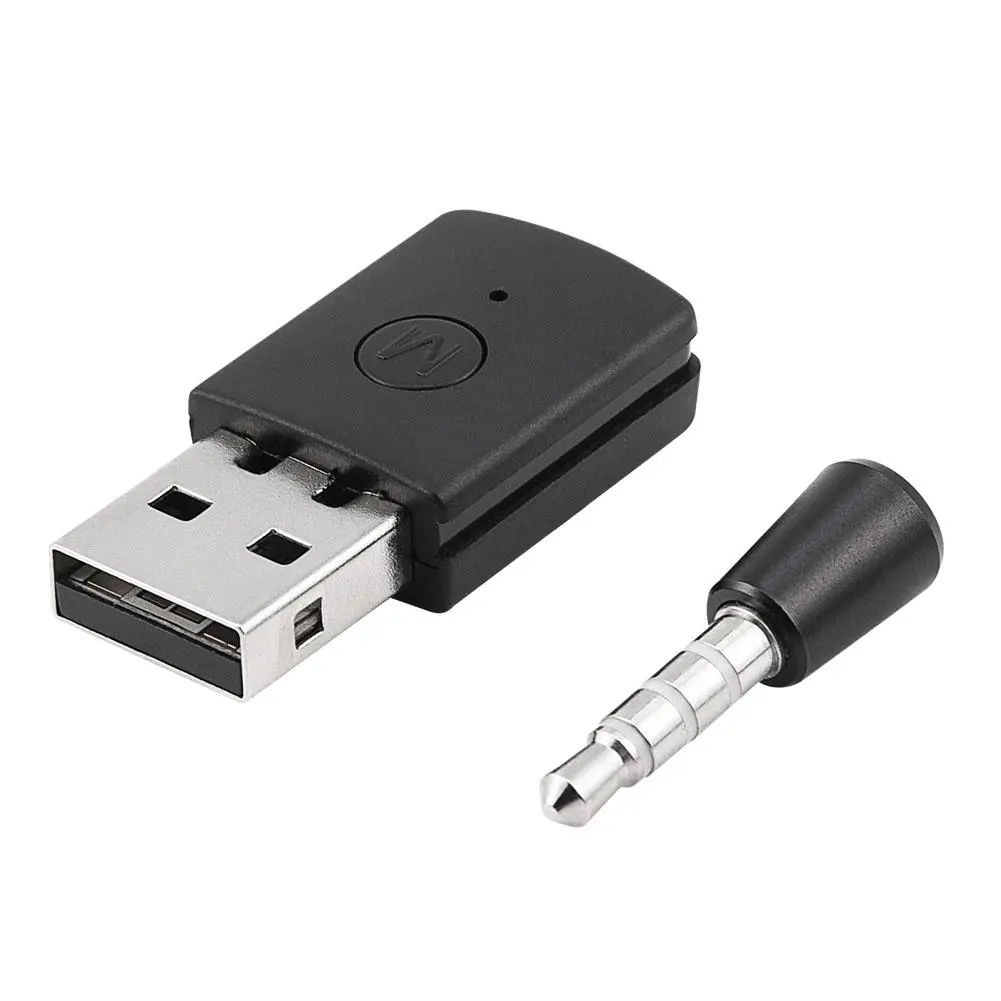
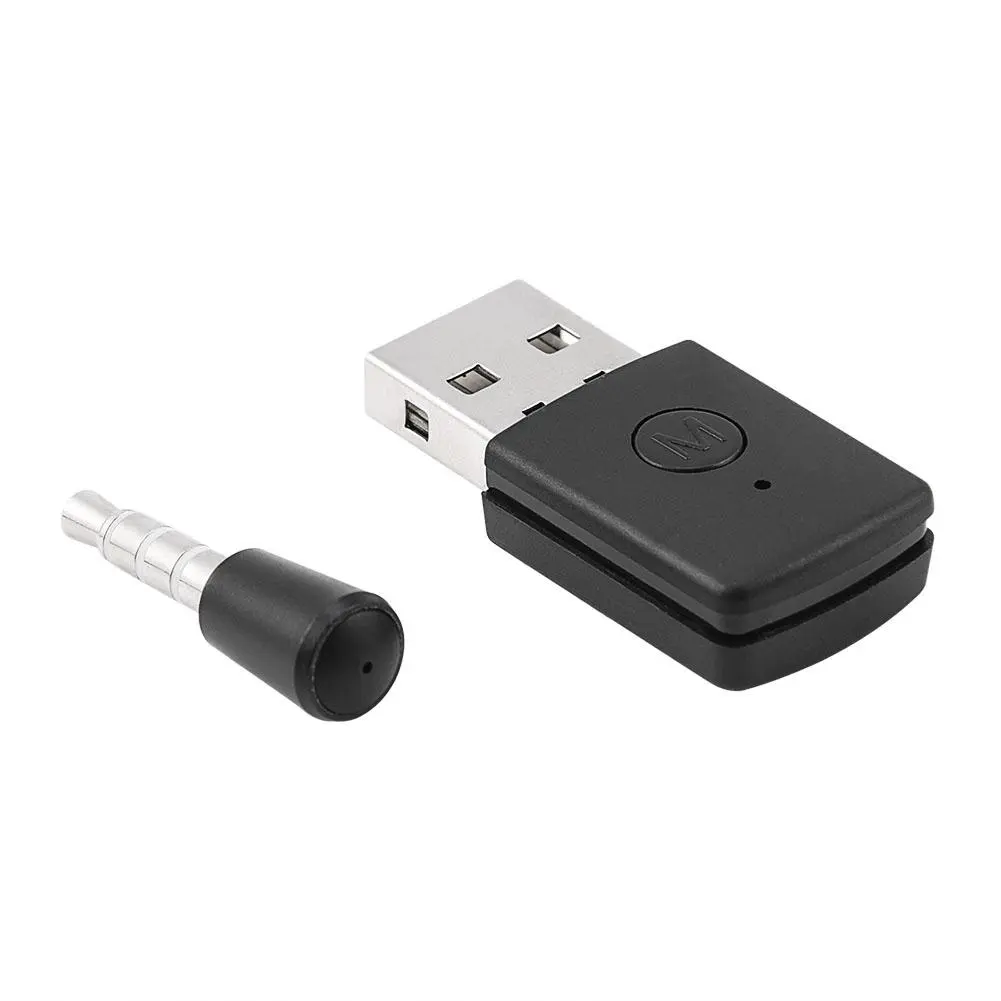
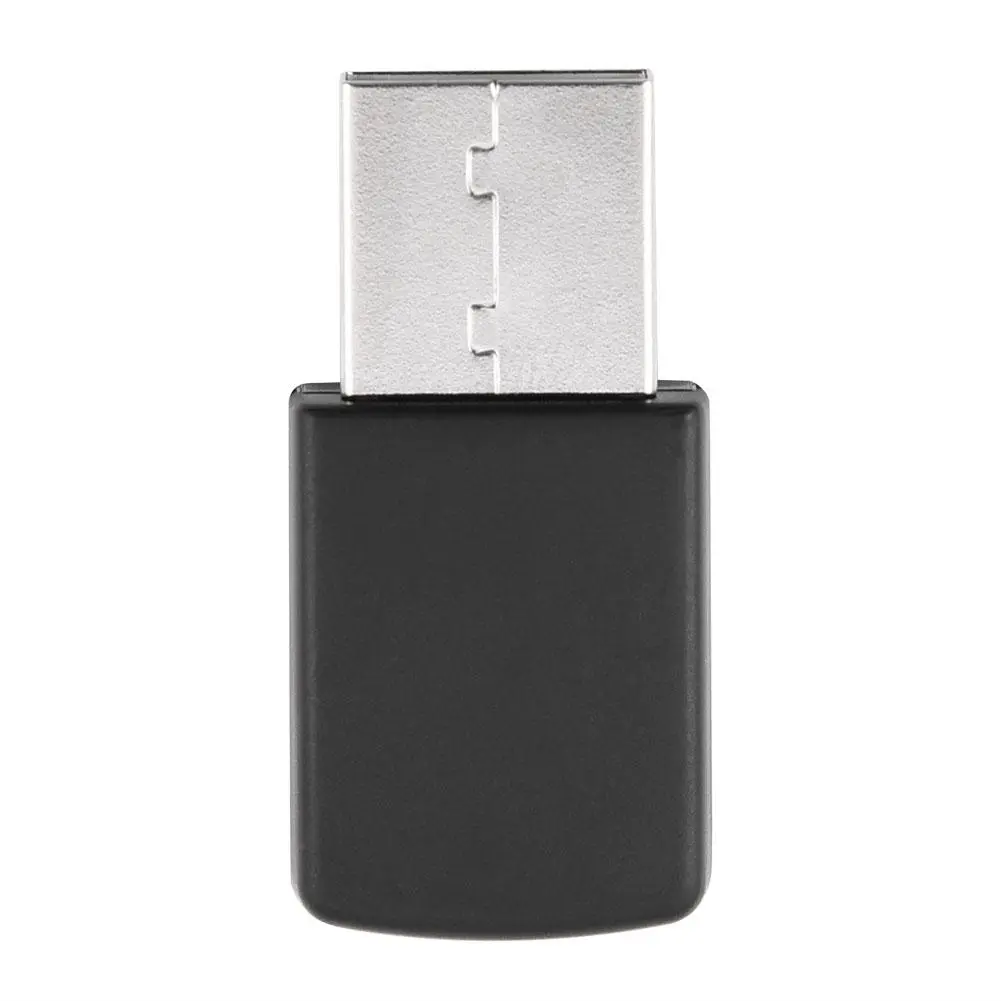
Description: The host audio signal can be sent to the Bluetooth terminal device by USB Bluetooth adapter in case of host supporting USB Audio. Insert for PS4 USB Bluetooth adapter, easily adjusted, you can use a Bluetooth headset to listen to the voice inside for PS4 game, and enjoy unfettered fun game. Therefore you can use your existing Bluetooth headset without having to buy a new expensive pair that work with for PS4. There is also a wireless microphone that will enable you to chat when you plug into the controller. Features: A Revolutionary Product for PS4- PS4 Bluetooth Dongle (Latest Version). The Bluetooth Dongle was upgraded to the latest version with stable performance. The Bluetooth Dongle is an USB adapter that will connect to ANY Bluetooth audio device when you plug into for PS4 USB slot. Made of high quality plastic material, durable and lightweight, mini and convenient to take along. USB 5V powered, power on and then the Bluetooth will be activated automatically. Support A2DP, HFP (A2DP: the PC player to send music to the Bluetooth headset. Audio format: 44.1K sampling, dual channel, bit width 16bits. HFP: Bluetooth headset voice intercom. Audio format: 8K sampling, monaural, 16bits). Specifications: Standard: Bluetooth 4.0 USB standard: USB2.0 Transmission Range: 10M Connection ways: Piconet / Scatternet Support Bluetooth protocol: A2DP, HFP, HSP Output Power: 0-+4dBm Receiving Sensitivity: -75dB Frequency Band: 2.4G ISM band Audio decoding: 16bit decoding Working Voltage: 5V Color: Black Package Weight: 23g Size of the Transmitter: 3.5 2.0cm / 1.38 0.79 inch Length of the Receiver: 1.10 inch Instructions of Use: Turn on the game controller, insert the dongle into the USB ports. Press the dongle button 2 seconds, the LED indicator starts flashing slowly, which means dongle entering the pairing mode. Turn on your Bluetooth headset and pair it. The LED indicator will turn blue when connecting successful. The Bluetooth headsets and the Bluetooth dongle will automatically pair in the next time you use. Installation method: First turn on the power of the PS4 console and handle. Insert the 3.5mm microphone into the handle, and then insert the USB adapter into the PS4 host (you need to press the work switch on the adapter, the Bluetooth headset needs to turn on the pairing state, you may need to manually click pairing confirmation, the adapter light flashes quickly is the search state, the light flashes slowly is the non connected state, the adapter light is always on, it is connected, and the device can be connected automatically next time you use it). The Bluetooth headset that can be used requires Bluetooth version 4.0 or higher, otherwise it cannot be connected. Package Included: 1 x Bluetooth Dongle USB Adapter for PS4 Notes: Question: you can't listen to the music when using, only connect the auxiliary cable with the controller, it just appears the sound not music. Solution: you can set at host audio and turn the "off "into "on", then you can listen to the background music. There are some questions and solutions you will encounter. Question 1. Why it doesn't work? Solution: This product is presently not suitable for Sony JBL. Question 2. It cannot connect to any earphones. Solution: Open the host for PS4 and plug the adapter into the USB port.Press the button of the adapter 2 seconds, the LED indicator light began to slow flash into pairing mode, turn on your bluetooth headset and matching it.When the LED lamp is blue means to connect successful, the next time when using the bluetooth headset can be automatically connected to the adapter. Tips: Please allow 0-3mm error due to manual measurement. pls make sure you do not mind before you bid. Due to the difference between different monitors, the picture may not reflect the actual color of the item. Thank you!