HD
$23.83
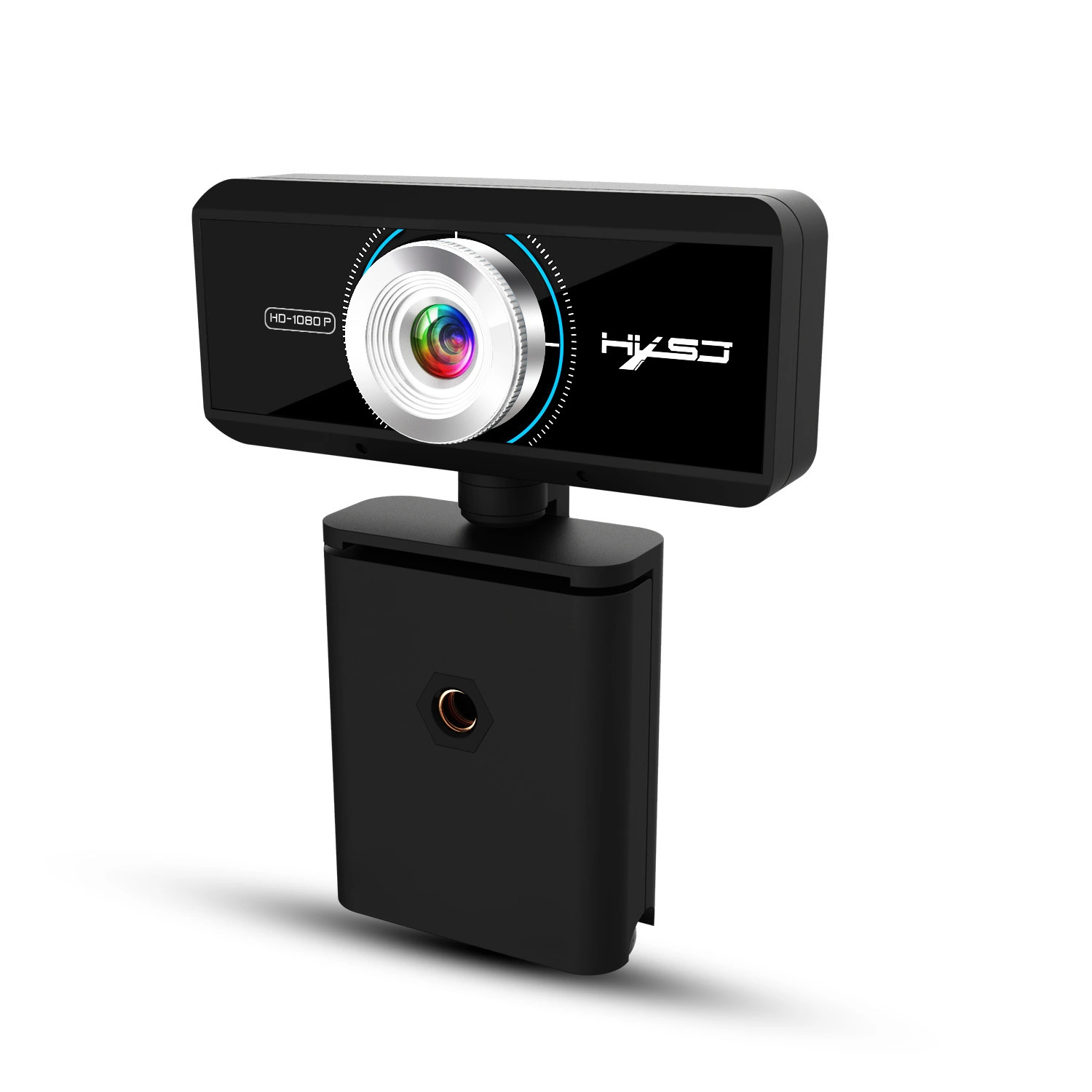
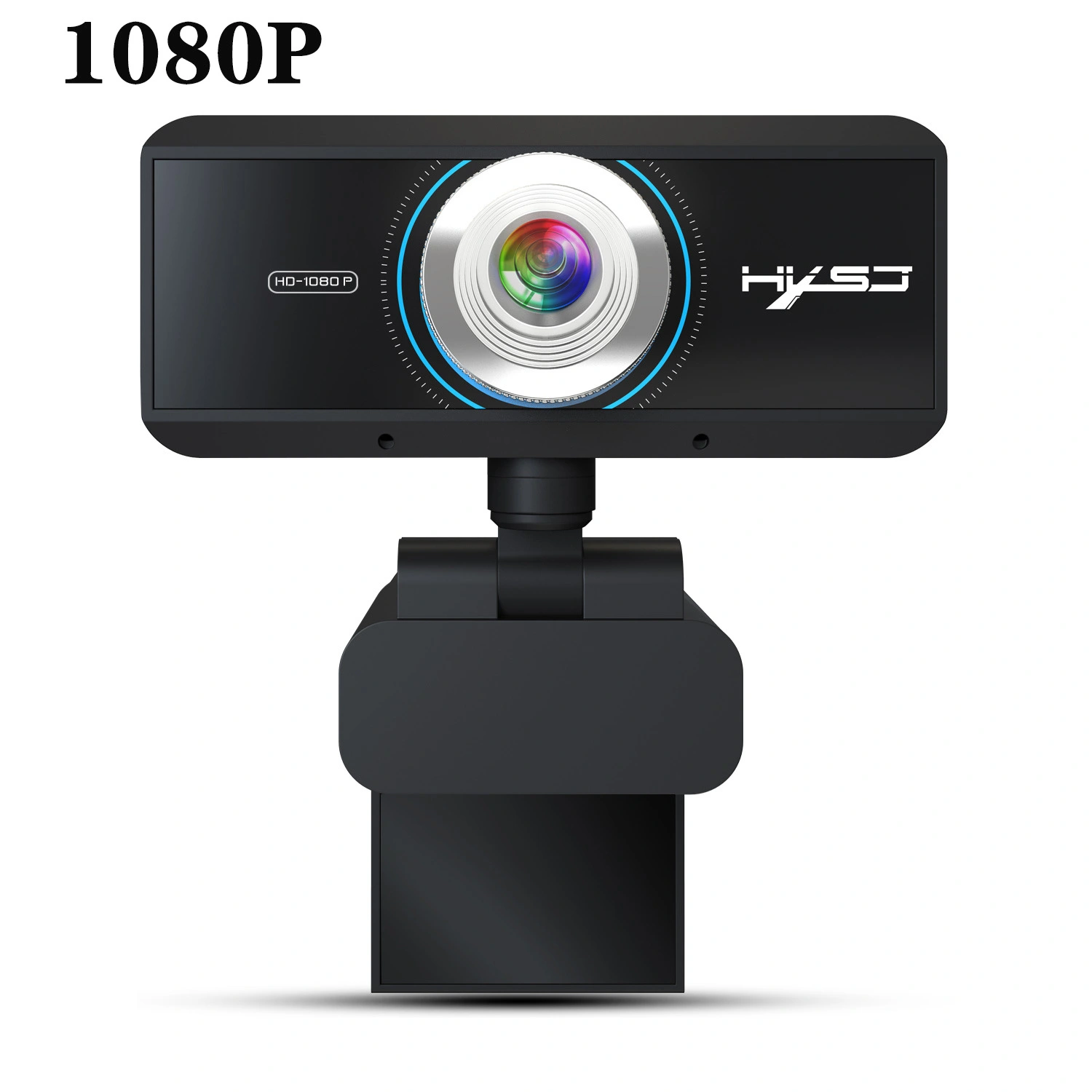
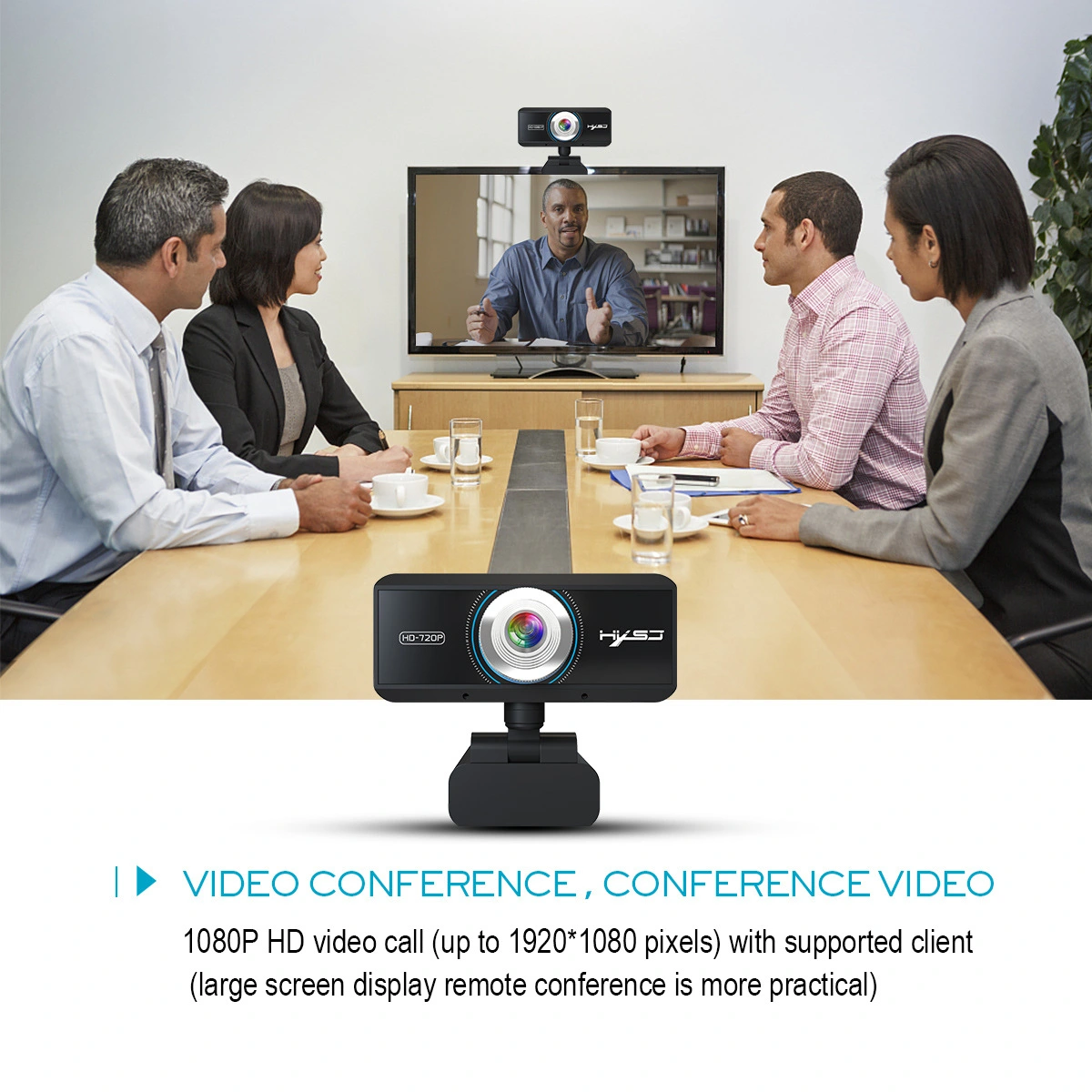
Computer camera---It supports a variety of video conferencing software, Net meeting and MSN, Yahoo and Skype and other great projects to enjoy the big screen visual experience.Product description Plug and play: 1. Plug the USB into your computer or laptop. 2. If your computer (laptop) has a built-in camera, you will need to change the cameras default settings. For example, change the default camera in the chat software settings or disable the built-in camera in the computer settings. 3. A driver is automatically installed on the computer. 4. When the installation is done, you can directly do a video chat with a chat tool. 5.After the camera is connected to the computer, you can use the AMcap software to verify that the device is working properly. If the screen can appear, the camera has no problem.Tips: When the camera indicator lights up red, the power is normal, then when the video device is turned on, a green light will be on, and you can enjoy the enjoyable video experience.Product attribute Project color: Black DSP chip: no driver Image Sensor: CMOS Video format: MJPEG, YUY2 Image Sensor: CMOS 1/2.9 Big chip Lens: High quality Seven-layer glass lens HD: 2 Million pixels Maximum dynamic resolution: 1920 1280 Frame rate: 30 fps Automatic white balance, automatic color correction Resolution:1920 1080 ; 1280 * 720 ; 960 * 720; 800 * 600Support Windows 2000 / XP / Win7 / Win8 / Win10 / Vista 32bit/MAC, Android TVPackage list:1 * 1080P webcam+1 *English User ManualWarm reminder 1. Please remember that due to the lighting effects, the monitors brightness / contrast settings / etcs, there will be some slight differences in the color of the pictures and the actual items. Measured by hand, deviations of 1-2 cm are possible. 2. Please leave us a message if you have any questions. We will respond and offer you our best service.